
GPSense
Fix, accuracy, altitude, speed
See exactly what your iPhone knows about its position: fix status, accuracy, altitude, speed, heading, and your coordinates in five formats.
iOS
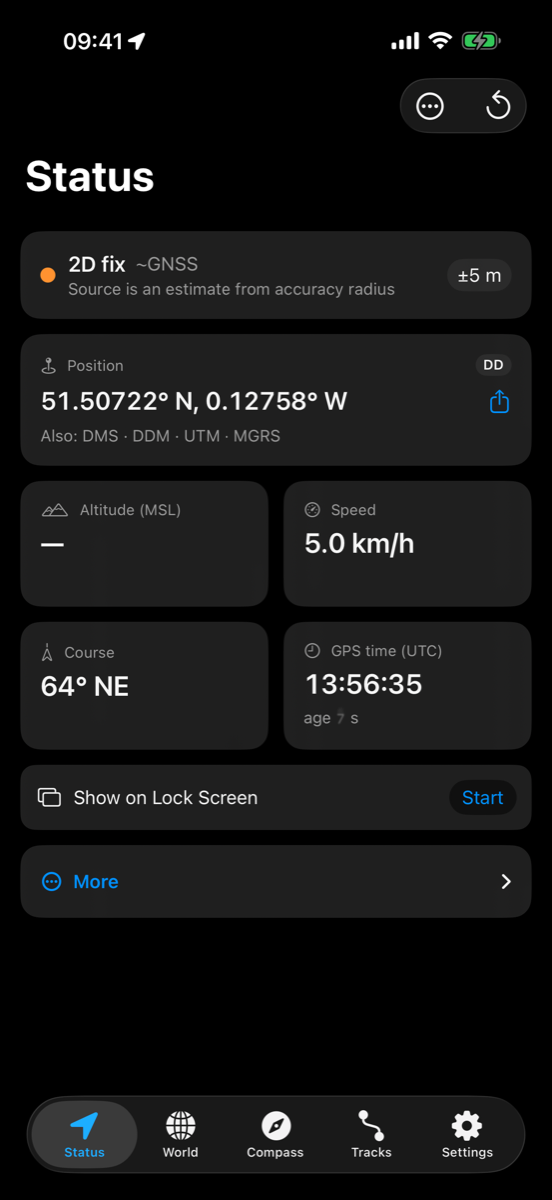
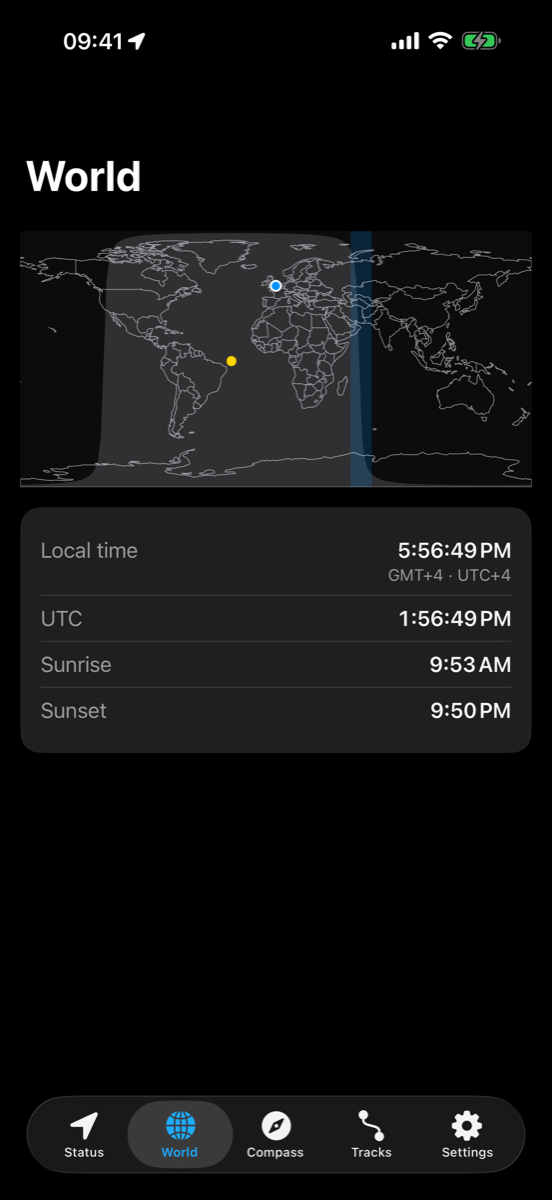
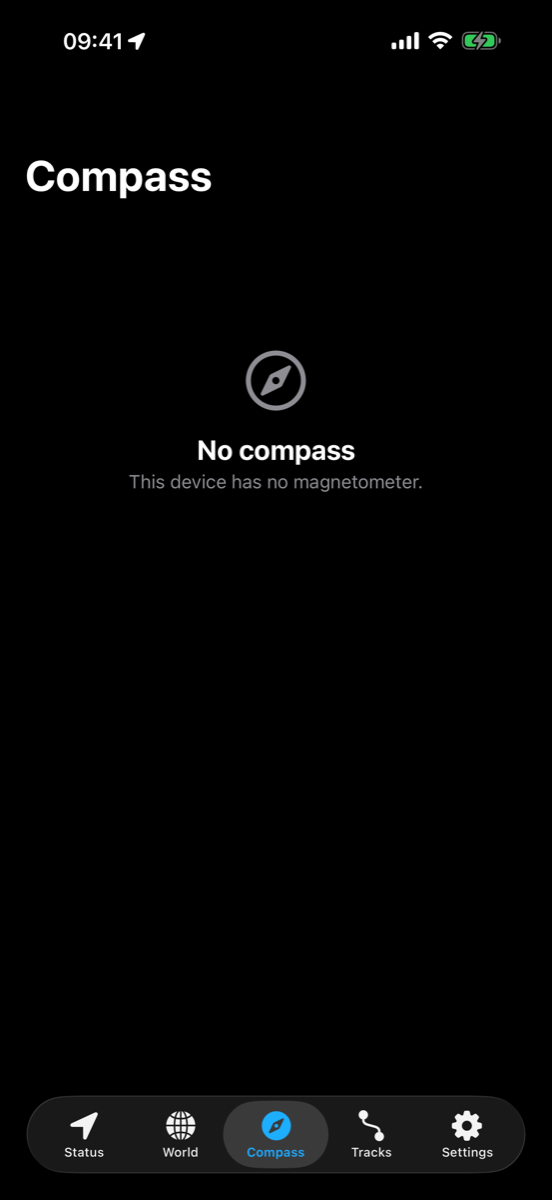
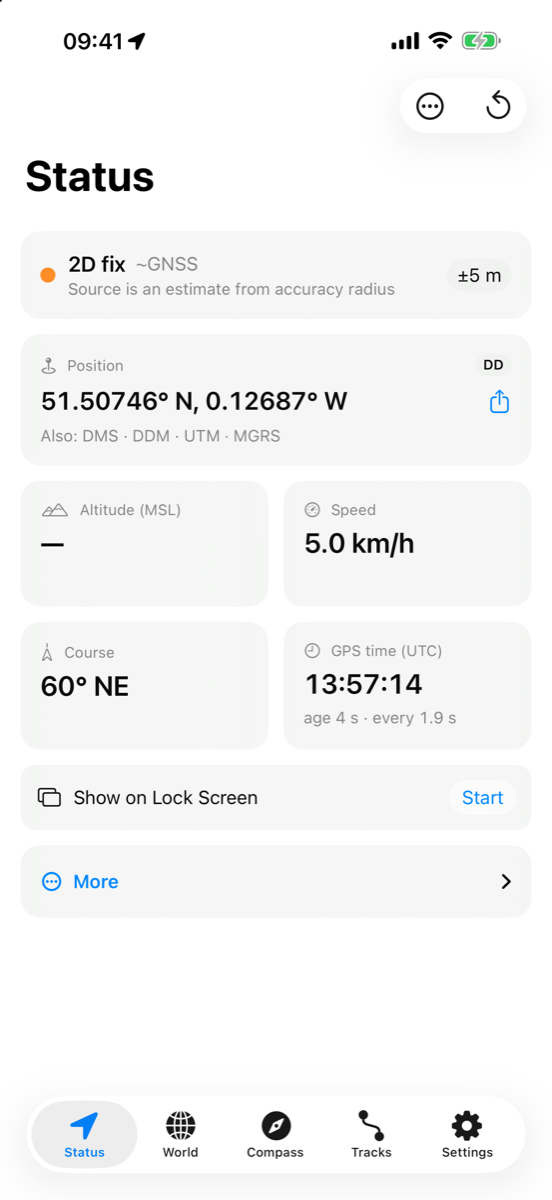
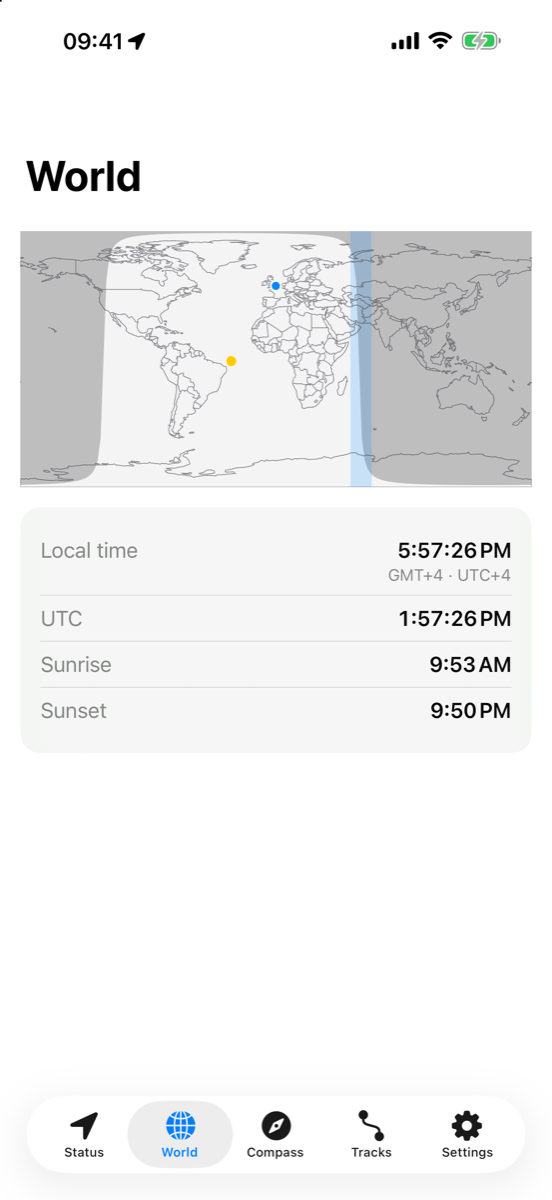
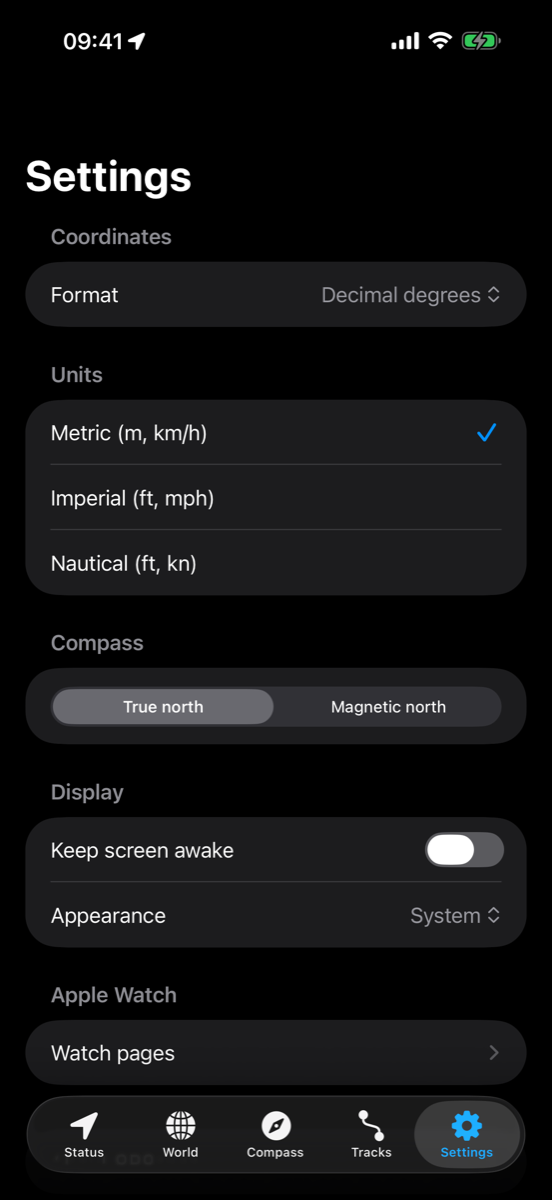
GPSense shows everything your iPhone knows about its position, clearly, on one screen. Check the quality of your GPS fix before you rely on it on a hike, at sea or in the field.
No accounts, no ads, no analytics, no network access. Your location never leaves your devices.
Features
Status
Fix status (3D, 2D or no fix) with the reason when there is none. Horizontal accuracy and an estimated source: GNSS, Wi‑Fi or cell. Tap any value to see it full screen in huge digits.
Coordinates in five formats
Decimal degrees, degrees‑minutes‑seconds, degrees‑decimal‑minutes, UTM and MGRS. Tap to copy, or share.
Altitude, speed and course
Altitude above sea level with ± accuracy plus ellipsoidal altitude, speed with session maximum, course with cardinal direction.
Time and barometer
GPS time in UTC, age of fix and update rate. Barometric pressure, vertical speed and a barometric altitude you can calibrate to a known elevation or the local sea-level pressure.
World
Borders‑only world map with the live day/night terminator and the sun's position. Your time zone highlighted, local and UTC clocks, today's sunrise and sunset.
Compass
Rotating dial with true or magnetic north, heading accuracy and a calibration hint. Course arrow when you are moving, and a pointer to your saved waypoint.
Tracks
Record tracks, also with the phone locked or another app open, and pause or stop them from the Lock Screen. Distance, moving time, speed, ascent and descent, an elevation profile, and GPX export.
Waypoints
Save your position or type coordinates, then see distance and bearing on Status and the compass.
Coordinate converter
Paste or type a position in DD, DMS, DDM, UTM or MGRS and get it in all five, ready to copy or share.
Predicted sky
Where GPS satellites should be above you, from the nominal constellation. Clearly labelled as predicted: iOS gives apps no live satellite data.
Widgets
Home Screen and Lock Screen widgets with your last position; a larger widget with accuracy, altitude, speed and a record button; and a Lock Screen widget that shows the one value you choose.
Siri and Shortcuts
Ask for your position, save a waypoint, or start and stop a recording, from Siri, the Shortcuts app or the Action button.
Apple Watch
Fix, accuracy, coordinates, speed, altitude and pressure on your wrist, also without your iPhone. Record tracks with your wrist down, and see distance and direction to your waypoint on the watch face.
Settings
Metric, imperial or nautical units. Keep screen awake, light or dark appearance.
Honest about the platform
iOS gives apps no satellite counts, signal strengths or raw GNSS data. GPSense shows only what iOS really provides and never invents satellite numbers.
What's new in 1.3.0 (October 2026)
- Tracks keep recording with the phone locked or another app open, and show an elevation profile.
- Pause, resume or stop a recording from the Lock Screen and Dynamic Island.
- A larger Home Screen widget with accuracy, altitude, speed and the age of the reading, plus a record button.
- A Lock Screen widget and watch complication that show the value you choose: coordinates, altitude, speed, accuracy or distance to your waypoint.
- Siri and Shortcuts: ask for your position, save a waypoint, or start and stop a recording, also from the Action button.
- Tap any value on Status to see it full screen in huge digits, handy on a bike mount or dashboard.
- Coordinate converter: paste a position in DD, DMS, DDM, UTM or MGRS and get all five.
- Barometric altitude you can calibrate to a known elevation or the local sea-level pressure.
- Apple Watch: record tracks on the wrist, a waypoint complication, settings on the watch, and a watch app that works without the iPhone.
Details
| iOS | iOS 26 or later; the Apple Watch app needs watchOS 26 or later |
|---|---|
| Languages | English |
| Price | $1.99 |
| Current version | iOS 1.3.0 |
Support & privacy
Questions or problems? Email support@andadasi.com.
Privacy policy for GPSense.